Jun 20, 2026 · TIZZLE Company · Product · Privacy · Crooli News
GhostBeam Has Evolved: Private Browser Tools, No Account Required
Meet the latest GhostBeam update: a redesigned home for private chat, direct file transfers and in-browser PDF signing.
Read on company site ↗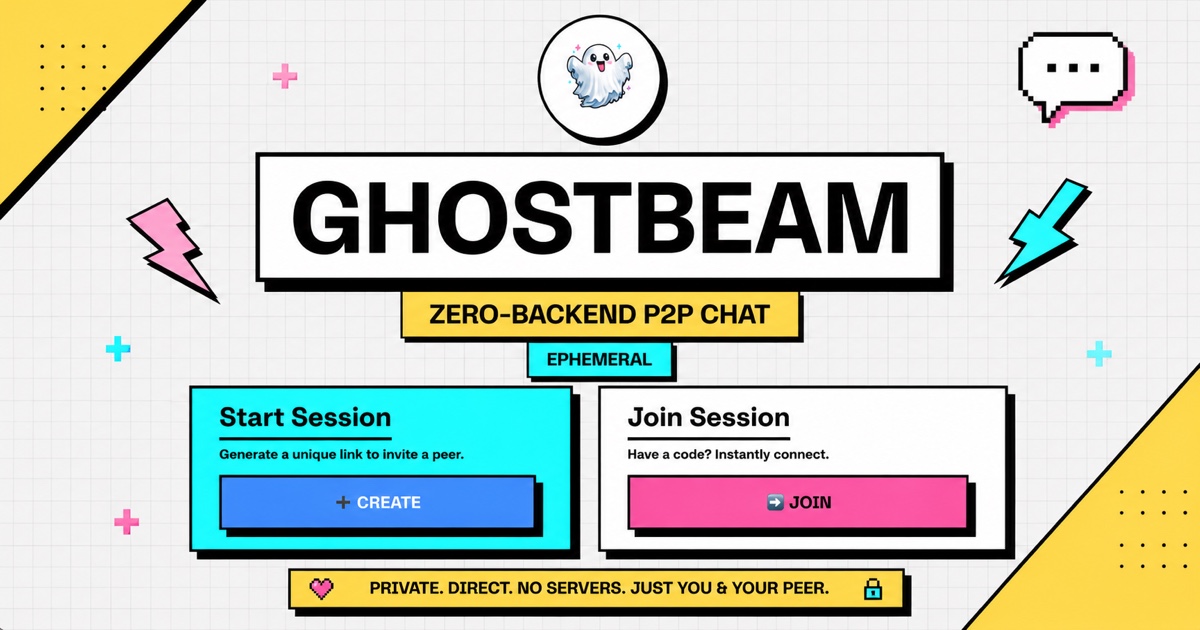
GhostBeam has grown from a focused peer-to-peer chat experiment into a private, account-free collection of browser tools. The latest update brings Chat, Transfer and Signer together behind a redesigned homepage, with clearer workflows, better mobile layouts and a dark mode that looks particularly sharp after sunset.
The principle has not changed: useful tools should not automatically require an account, a subscription or a permanent copy of your data sitting on somebody else's server. GhostBeam keeps the experience direct, lightweight and deliberately a little bold, with a neo-brutalist design that does not pretend every button needs rounded corners and a pastel gradient.
A redesigned homepage with three clear paths
The new GhostBeam homepage makes the choice simple. Need to have a temporary conversation? Open Chat. Need to move a large file between devices? Choose Transfer. Need to add your signature to a PDF? Head to Signer.
Each tool now has a clearer explanation and a more obvious starting point, so you can understand what it does before committing a file, opening a connection or sharing a link. Navigation has also been tightened across the product, with fewer dead ends and more consistent ways to move between tools.
The redesign carries through to phones and smaller screens. Controls reflow cleanly, important status information stays visible and the layout no longer assumes that everybody is sitting in front of a wide monitor. Dark mode is available across the experience too, preserving GhostBeam's high-contrast character without turning the interface into a wall of glare.
Transfer: send files directly, without the cloud detour
GhostBeam Transfer lets you send files directly from one device to another. Select a file, generate a recipient link and share it with the person who needs it. Once they open the link and the connection is established, the transfer can begin.
Files up to 10 GB are supported. That makes Transfer useful for everything from a folder of photographs to a hefty video export, without first uploading the file to a conventional cloud storage service and waiting for the recipient to download it again.
The interface shows connection and transfer status throughout the process. Both sides can see whether they are waiting, connected, transferring or finished, rather than staring at an unexplained spinner and hoping for the best. A quick chat is built into the transfer session as well, so the sender and recipient can confirm details or troubleshoot without switching to another app.
For large files, supported Chromium browsers can stream incoming data directly to a folder selected by the recipient. This avoids holding the complete file in browser memory before saving it, making very large transfers more practical. Browser support varies, so GhostBeam falls back to the available download method where direct folder streaming is not supported.
Signer: sign a PDF without sending it away
GhostBeam Signer handles a common task that too often begins with uploading a sensitive document to an unfamiliar service. With Signer, the PDF stays in your browser.
Upload a document, type your signature, place it directly on the relevant part of the page and download the signed PDF immediately. There is no account to create, no document library to manage and no server upload required for the signing workflow.
The downloaded document also includes a SHA-256 audit certificate page. This records cryptographic fingerprints that can help identify the signed output and provide a technical audit reference. It is useful evidence, but it is not a universal guarantee of identity, consent or legal enforceability on its own.
Signer currently supports solo signing: one person preparing and signing a document in their own browser. Encrypted multi-signer collaboration is planned, with the aim of allowing several people to work through a signing flow without turning GhostBeam into another account-heavy document platform.
Chat: conversations designed to disappear
GhostBeam Chat provides ephemeral peer-to-peer conversations through encrypted WebRTC connections. Create a room, share the link and start talking once the other person joins. There is no account setup and no permanent message history to tidy up afterwards.
WebRTC allows compatible browsers to exchange data directly once a connection is ready. That makes Chat well suited to quick conversations, temporary coordination and moments when starting a full group or workspace is unnecessary. Close the session and the conversation is not kept as a long-lived GhostBeam inbox.
The updated interface makes room creation, link sharing and connection state easier to follow. It is still intentionally small in scope: GhostBeam Chat is for direct, temporary communication, not a replacement for a full community platform or an archive of business records.
Privacy, with the limits stated clearly
GhostBeam is designed to reduce unnecessary data collection, but private does not mean invisible or magically risk-free.
WebRTC connections require signalling so that two browsers can find each other and negotiate a connection. Signalling coordinates that introduction; it is not the same as storing the conversation or transferring the complete file through a central application server. Depending on network conditions, relay infrastructure may also be needed to make a connection work.
Network metadata can still be exposed to internet providers, network operators, signalling or relay services, and the other participant. That may include information such as IP addresses, connection timing and data volumes. Anyone using GhostBeam should also treat recipient links as sensitive: a link shared with the wrong person can invite the wrong person into a session.
Signer deserves similar precision. Keeping a PDF in the browser reduces exposure to a document-upload service, and the audit page provides useful technical information. However, whether an electronic signature is valid or appropriate depends on the document, the evidence around the signing process, the people involved and the applicable law. For high-value, regulated or disputed agreements, get suitable legal advice and use a process that meets the relevant requirements.
Try the new GhostBeam
The latest GhostBeam is a more complete toolkit without becoming a more complicated product: three focused tools, one clear homepage and no account standing between you and the job you came to do.
Try Chat, send a file with Transfer or sign a PDF with Signer at ghostbeam.tizzle.org. Bring a second device if you want to put the peer-to-peer bits through their paces.